Best AI Tools for Beginners (Simple Guide to Get Started)
AI tools can help you write, study, design, edit videos, and work faster — even if you’re a complete beginner.
But most people feel overwhelmed because they don’t know:
• Which AI tools to start with
• What each tool is used for
• How to use them in simple steps
This guide makes AI tools easy.
You will learn the must-use beginner tools, what they do, and simple starter tasks to build confidence.
New to AI? Start here → Types of AI & How AI Works (Beginner Guide)
✅ Why Start With AI Tools?
AI is not just for tech experts — it’s now a tool for:
• Students
• Content creators
• Beginners learning AI
• Entrepreneurs
• Professionals upgrading skills
You don’t need to code.
You just need simple tasks to practice.
✅ Best AI Tools for Beginners
Below are the top AI tools beginners should start with — in simple categories.
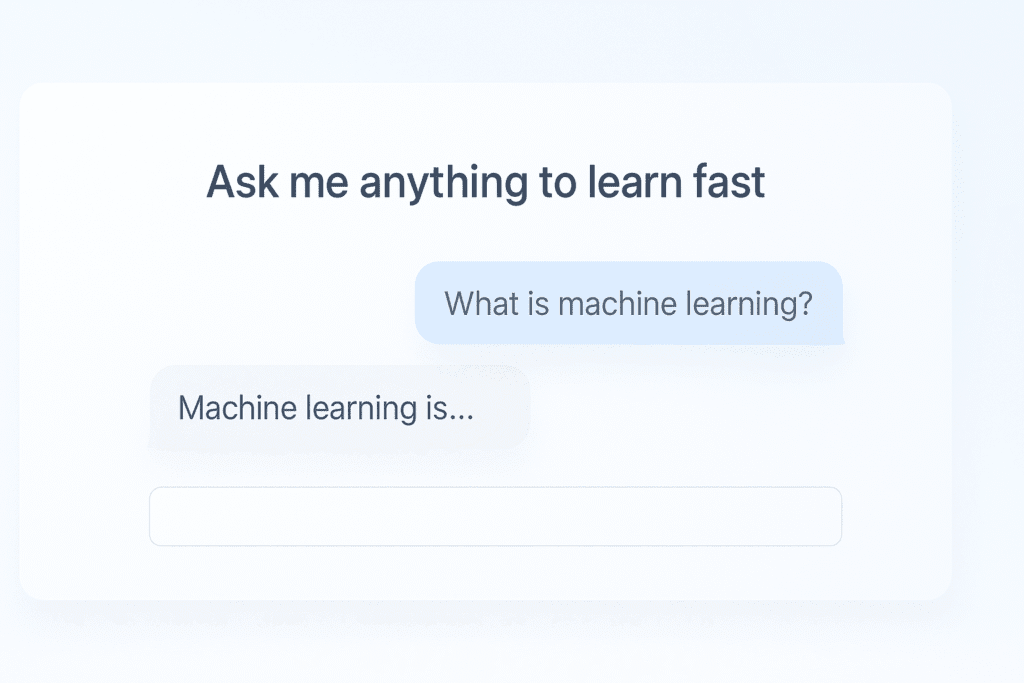
1. ChatGPT / Claude — Text, Ideas & Learning
What it does
• Answers questions
• Helps you learn anything
• Writes drafts & emails
• Explains concepts simply
Simple use examples
• Write school notes
• Summarize long text
• Rewrite content clearly
• Practice languages
Beginner task
Ask:
Explain AI to me like I am 12 years old.
Then ask:
Now make it even simpler.
You just used AI for learning.
Want step-by-step ChatGPT instructions? Read → How to Use ChatGPT for Beginners
2. Google Gemini — Research + Docs Assistant
What it does
• Search + understand info
• Writes inside Google Docs
• Helps with homework
• Gives structured responses
Beginner task
Open Gemini and type:
Summarize 3 benefits of using AI tools for students.
3. Canva AI — Graphics & Social Design
What it does
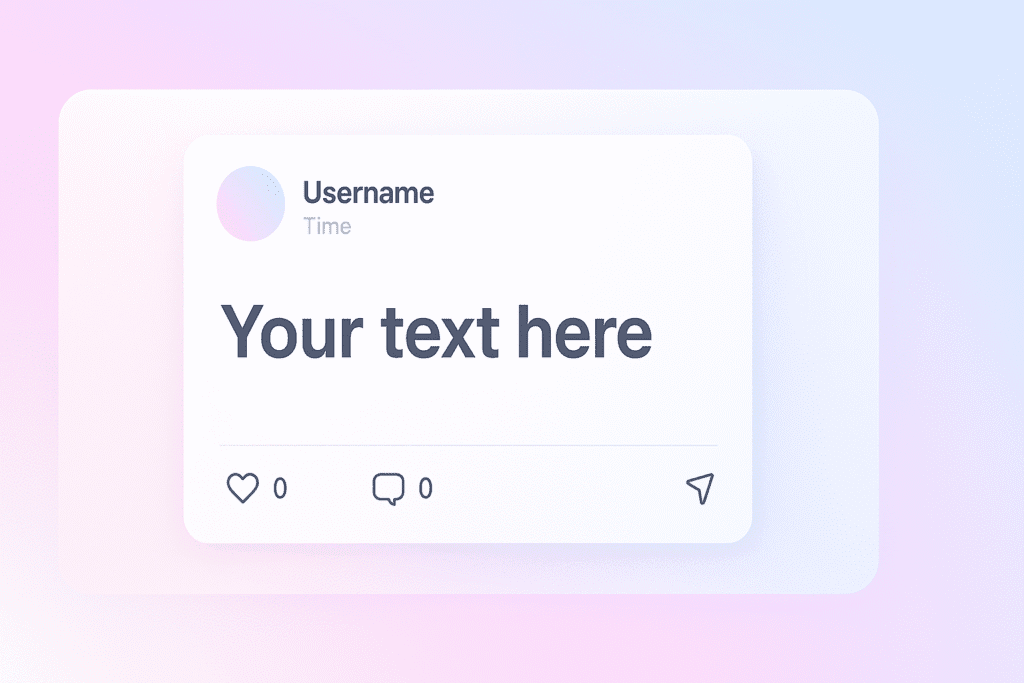
• Creates social posts
• Designs thumbnails
• Makes presentations
• Text-to-image inside Canva
Beginner task
Ask Canva:
Create a simple Instagram quote image about learning AI.
Then edit colors & text.
🎨 For visuals & prompts, explore → Beginner AI Prompt Patterns
4. Leonardo / Midjourney — AI Images
What it does
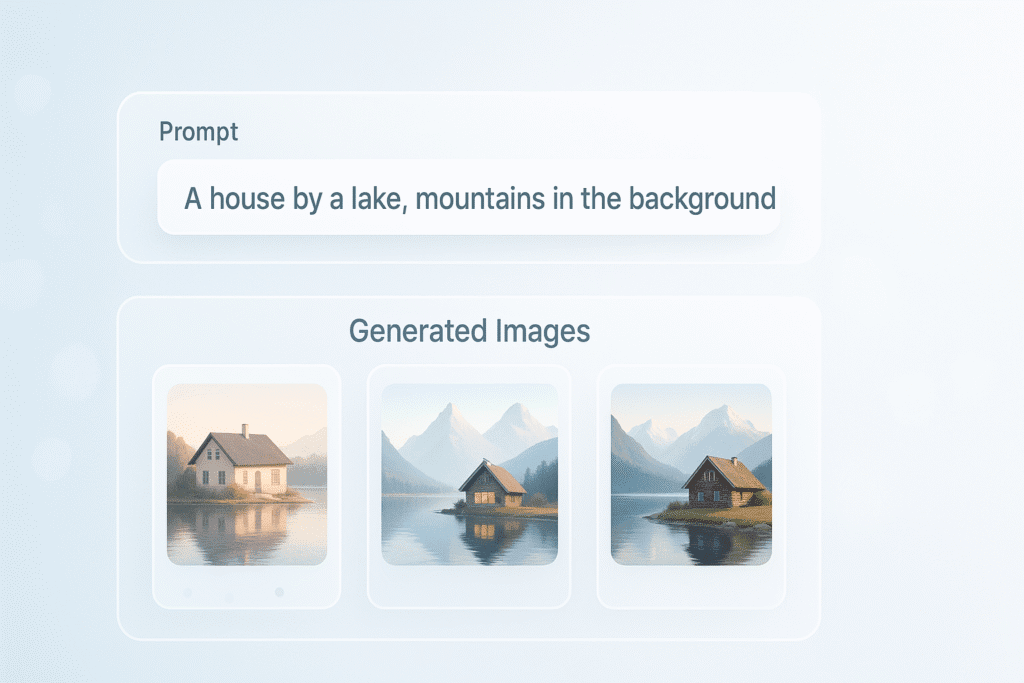
• Generate images from text
• Create blog graphics
• Create YouTube thumbnails
Beginner task
Prompt:
Minimal tech graphic showing AI learning from data, soft blue tones.
Practice editing style + simplicity.
🤖 Curious how AI learns to create images? Read → How AI Learns (Simple Guide)
5. Runway — AI Video Tools
What it does
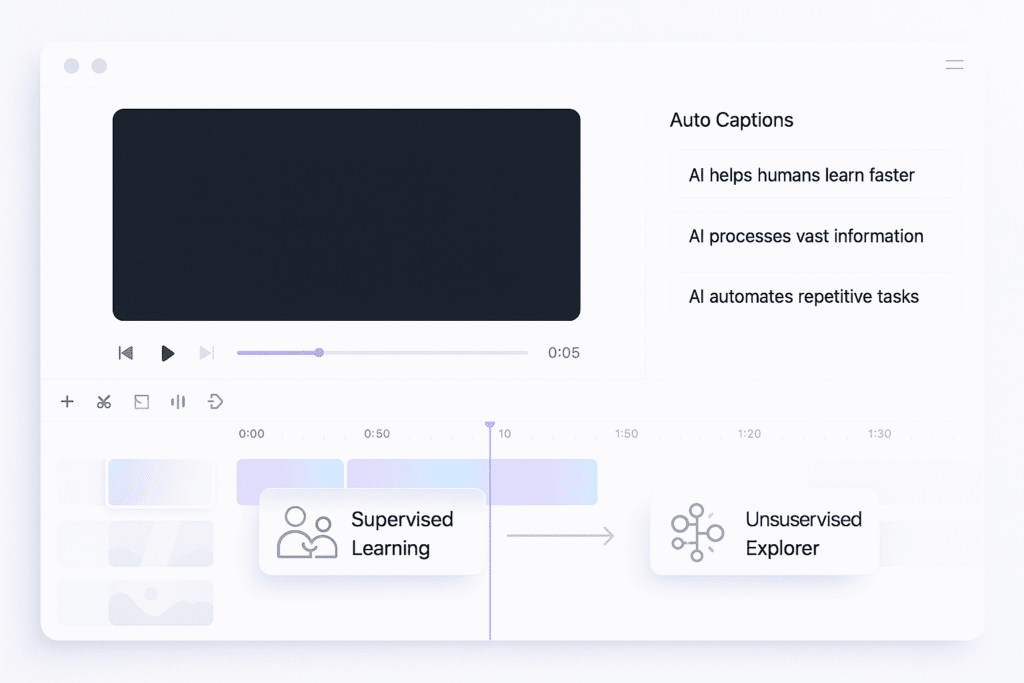
• Generate video clips
• Remove backgrounds
• Edit videos easily
Beginner task
Upload a simple clip → remove background → add text.
6. Notion AI — Notes & Productivity
What it does
• Creates notes
• Manages study or work tasks
• Helps organize research
Beginner task
Tell Notion AI:
Create a weekly study plan for learning AI basics.
7. OpusClip / Vidyo.ai — Convert Long Videos to Shorts
What it does
• Turns talking video → multiple short clips
• Adds captions automatically
• Helps beginners create content fast
Beginner task
Upload a video → extract 3-5 short clips.
✅ Beginner-Friendly AI Starter Workflow
Try this one-day plan:
| Task | Tool |
|---|---|
| Learn a topic | ChatGPT / Gemini |
| Make notes / outline | Notion AI |
| Create graphic | Canva AI |
| Practice images | Leonardo |
| Edit short clip | OpusClip |
This builds real confidence.
✅ Common Mistakes to Avoid
❌ Using too many tools at once
❌ Trying advanced prompts too early
❌ Expecting perfect results immediately
✅ Start small, build daily habit
✅ Simple 7-Day AI Learning Challenge
| Day | Skill | Tool |
|---|---|---|
| Day 1 | Ask questions | ChatGPT / Gemini |
| Day 2 | Summarize text | ChatGPT / Gemini |
| Day 3 | Notes & tasks | Notion AI |
| Day 4 | Simple design | Canva |
| Day 5 | Text-to-Image | Leonardo |
| Day 6 | Video basics | Runway |
| Day 7 | Create short clip | OpusClip |
By day 7 — real confidence.
✅ Continue your AI tools journey:
• How to Use ChatGPT (Beginner Guide)
• AI Tools for Students
• AI Tools for Creators
✅ Summary
| Tool | Purpose |
|---|---|
| ChatGPT / Claude | Learn + write |
| Gemini | Search + documents |
| Canva | Designs |
| Leonardo / Midjourney | Images |
| Runway | Video editing |
| Notion AI | Notes + planning |
| OpusClip | YouTube/Shorts clips |
Start small → practice daily → build skill quickly.