7 Best AI Tools for Students (Simple Study Guide)
AI tools for students make studying easier, faster, and more organized. With the right tools, students can understand lessons better, write cleaner notes, and learn more in less time.
AI is becoming one of the most powerful study tools.
Students can use AI to:
- Learn faster
- Take better notes
- Save time on assignments
- Study smarter, not harder
- Improve writing and presentations
🎓 Why Students Should Use AI
AI makes studying easier — not by “cheating,” but by helping you:
- Understand lessons more clearly
- Break down confusing topics
- Practice with quizzes
- Improve writing and grammar
- Save time organizing notes
- Study at your own speed
AI is like a smart study buddy —
it explains, simplifies, and supports you when you get stuck.
Students who use AI properly learn faster and retain more.
This guide shows the best AI tools for students, explained simply.
New to AI? Start here → Types of AI & How AI Works (Beginner Guide)
Why Students Should Use AI
AI helps students:
- Understand difficult topics easily
- Organize study notes
- Research faster
- Write and edit better
- Prepare presentations & summaries
AI doesn’t replace learning —
it supports learning and boosts your skills.
Best AI Tools for Students
Below are the most useful beginner-friendly tools.
1. ChatGPT / Gemini — Learn Anything Faster
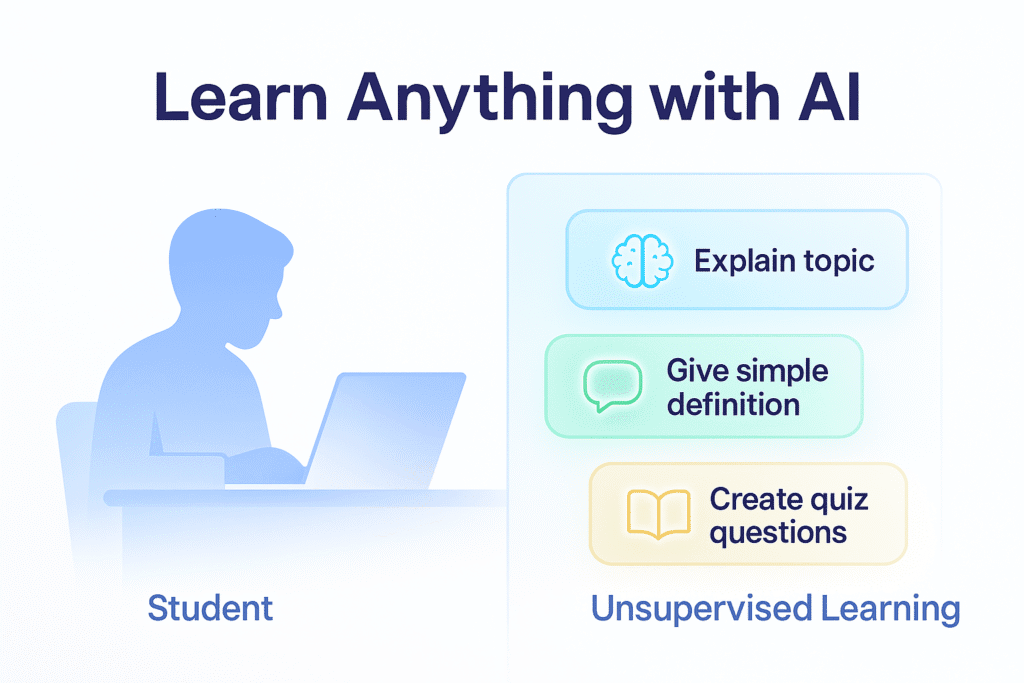
Use for:
- Explaining concepts
- Writing notes
- Summarizing textbooks
- Asking questions like a tutor
✍️ Best Ways Students Can Use ChatGPT
Here are beginner-friendly tasks:
| What to type | Result |
|---|---|
| Explain like I’m 12 | Simple explanations |
| Give 5 important points | Study notes |
| Make a quick quiz | Practice questions |
| Write summary | Short notes from long text |
| Fix my grammar | Polished writing |
| Help me brainstorm | Project ideas & outlines |
🧠 Tip: Always understand the answer.
Don’t copy blindly — ask why and how.
Example task to try:
Explain photosynthesis in simple words.
Give a real example and a mini quiz.
💡 Learn how to use prompts step-by-step → Beginner AI Prompt Patterns (Templates You Can Use)
2. Notion AI — Notes & Study Planner
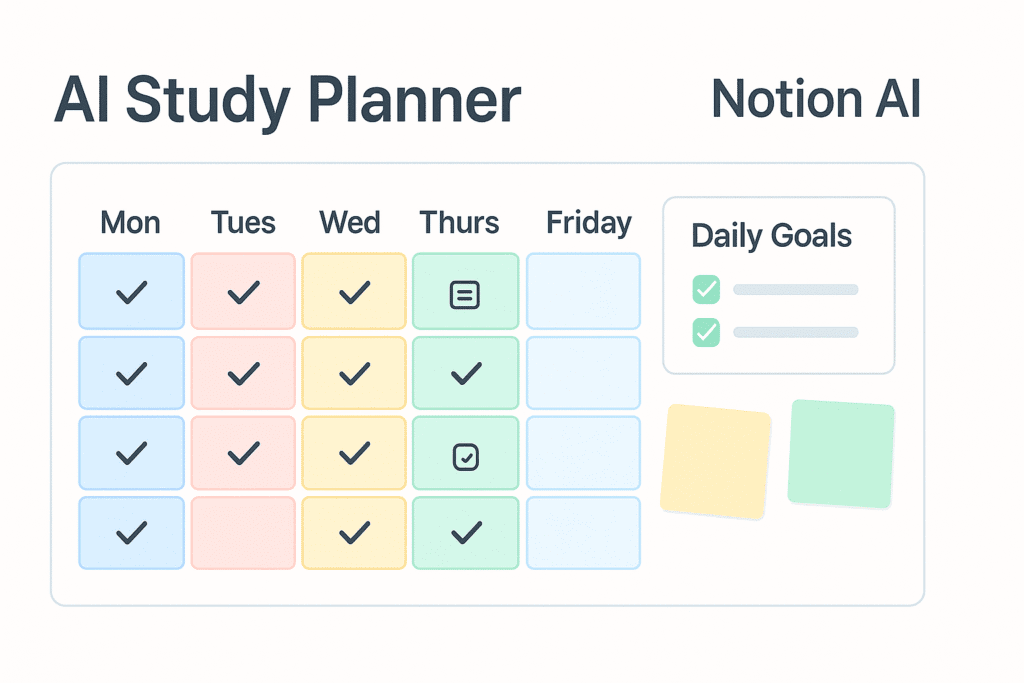
Use for:
- Class notes
- Flashcards
- To-do lists
- Study schedules
🗂️ How to Use AI for Better Study Notes
Try this method:
- Take short class notes
- Paste into ChatGPT
- Use prompt:
Turn this into neat bullet-point study notes.
Add definitions, key concepts, and examples.
- Copy notes into Notion / Google Docs
- Highlight important points
You’ll end up with clean, structured notes — fast.
Try this:
Create a weekly study plan for science and math.
3. Google Bard / Gemini — Research Assistant
Use for:
- Finding information
- Answering questions
- Explaining academic ideas
🔍 Research Faster With AI
Use AI to:
- Generate topic outlines
- Suggest sources to check
- Create reading lists
- Explain difficult research papers
- Give keywords to search
Important ✅
Always verify information from real sources.
AI guides you — but textbooks, school websites, and teachers are the primary truth.
Good for school research —
always double-check facts.
📘 Want to understand how AI learns? → How AI Learns (Simple Step-by-Step Guide)
4. QuillBot — Rewrite & Improve Writing
Use for:
- Fixing grammar
- Rewriting text clearly
- Making essays more readable
Smart way to polish school writing.
5. Canva — Projects & Presentations
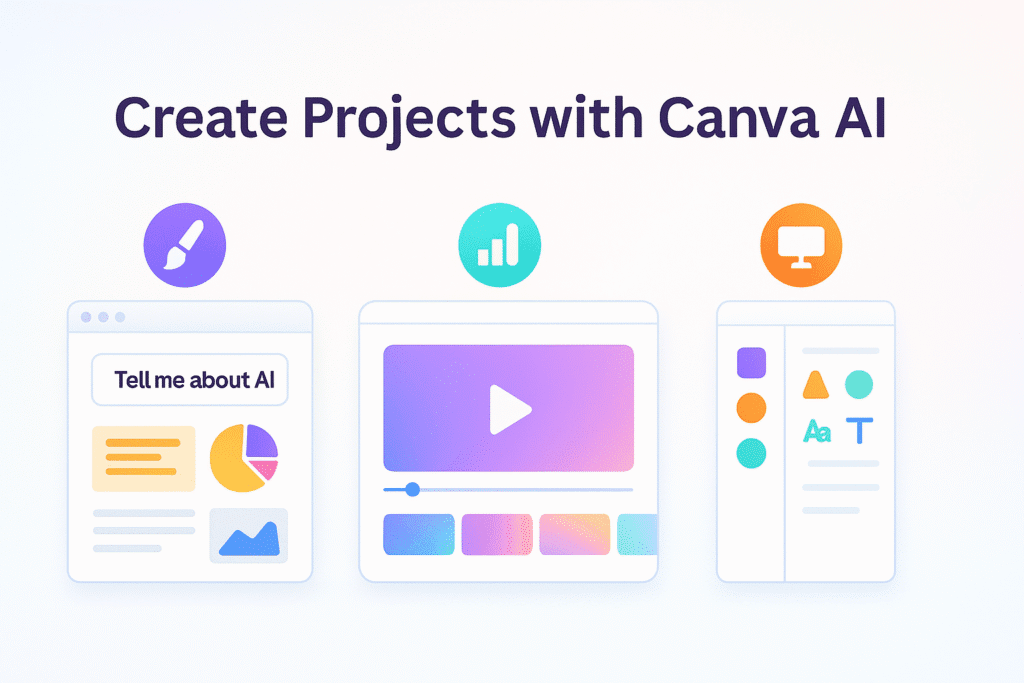
Use for:
- Project posters
- Infographics
- School presentations
- Social posts for student clubs
Canva AI tools help design faster with templates.
6. Quizlet AI — Flashcards & Memory Practice
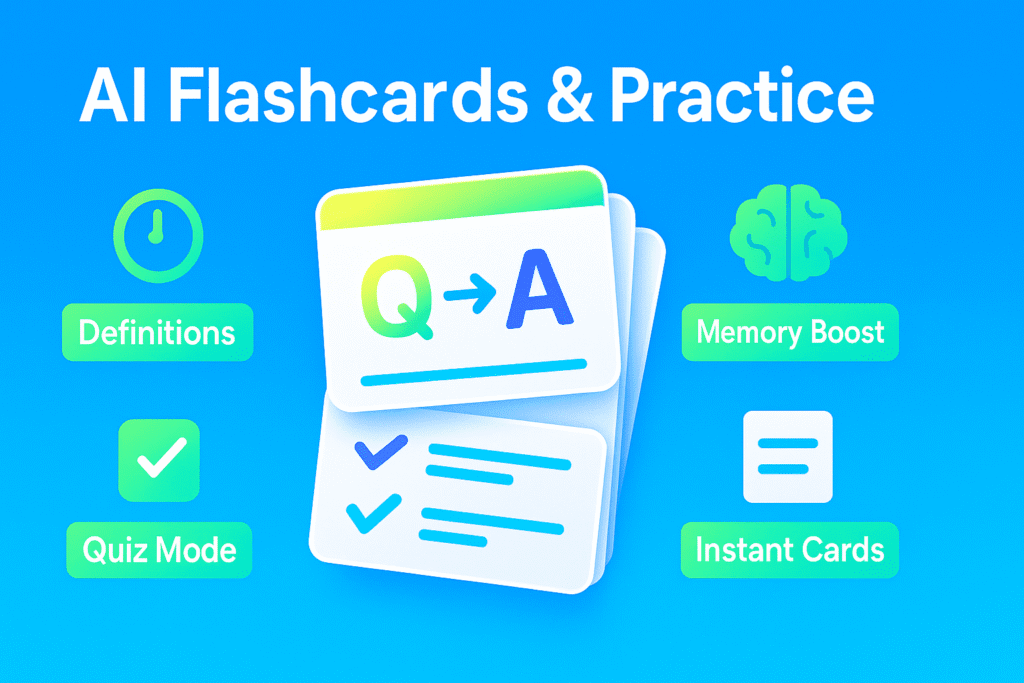
Use for:
- Study flashcards
- Test prep
- Practice quizzes
Turn notes into flashcards automatically.
🧠 Curious how AI understands text? → NLP Explained Simply (Beginner Guide)
7. Speechify — Listen to Study Material
Use for:
- Listening to notes
- Turning text into audio
- Faster revision
Perfect for learning while walking or commuting.
How Students Can Use AI Step-By-Step
- Research topic → Gemini/ChatGPT
- Take notes → Notion AI
- Convert notes to flashcards → Quizlet
- Visual project → Canva
- Listen to notes → Speechify
- Review & rewrite → QuillBot
Smart workflow = less time, better learning.
Student AI Study Routine Example
Morning — Ask AI to simplify a topic
Afternoon — Take notes in Notion
Evening — Flashcards on Quizlet
Night — Listen to revision with Speechify
Small daily steps = big progress.
Important Reminder for Students
Always:
- Understand the topic yourself
- Check facts
- Use AI as a helper, not a replacement
AI makes learning easier — you still do the thinking.
📚 Simple AI-Powered Study Routine
Daily Routine
- Ask AI to explain 1 chapter
- Create short bullet-point notes
- Generate 5 quiz questions
- Practice writing with feedback
Weekly Routine
- Summarize what you learned
- Ask AI to make flashcards
- Review weak topics
- Plan study schedule
Small daily steps → big improvements over time.
✅ Continue learning AI tools:
• Best AI Tools for Beginners
• How to Use ChatGPT for Beginners
• Simple Guide to AI Tools for Creators
Summary
| Task | Best Tool |
|---|---|
| Learn & ask questions | ChatGPT / Gemini |
| Notes & planner | Notion AI |
| Research | Gemini |
| Rewrite & improve | QuillBot |
| Design | Canva |
| Flashcards | Quizlet |
| Audio learning | Speechify |
❓ FAQ: AI for Students
Is using AI cheating?
No — if you use it to learn, practice, and understand, not copy answers blindly.
Can AI do homework for me?
It can help, but you must verify answers and learn the topic.
Is AI allowed in school?
Some schools have rules. Always follow your teacher’s instructions.
Will AI replace studying?
No — AI helps you study smarter, but you still need to learn.