How to Use AI for Studying: 21 Powerful Study Techniques for Students (2025 Guide)
How to Use AI for Studying is a skill every modern student should learn — because AI can help you study faster, remember more, and reduce stress.
Artificial Intelligence is changing how students learn forever. It makes studying faster, easier, and more enjoyable. AI helps students understand difficult topics, summarize long lessons, create notes, practice quizzes, and stay organized — all in minutes instead of hours.
This guide explains exactly how students can use AI for studying, step by step, even if they are complete beginners.
Whether you’re in school, college, or preparing for competitive exams — this is the article that will help you make AI your study partner.
If you’re completely new to AI for studying, start with our beginner-friendly guide: AI Tools for Students (Simple Study Guide).
Why AI Is Perfect for Students
Students struggle with:
- Too many chapters
- Long readings
- Hard-to-understand explanations
- Poor time management
- Lack of motivation
- Difficulty creating notes
- Forgetting what they learned
- Stress before exams
AI solves all these problems by acting like:
- A personal tutor
- A note-maker
- A quiz generator
- A study planner
- A summary tool
- A writing assistant
AI doesn’t replace students — it supports them so they can learn faster and with less stress.
How Students Should Use AI (The 7-Step Formula)
This is the most effective and beginner-friendly method.
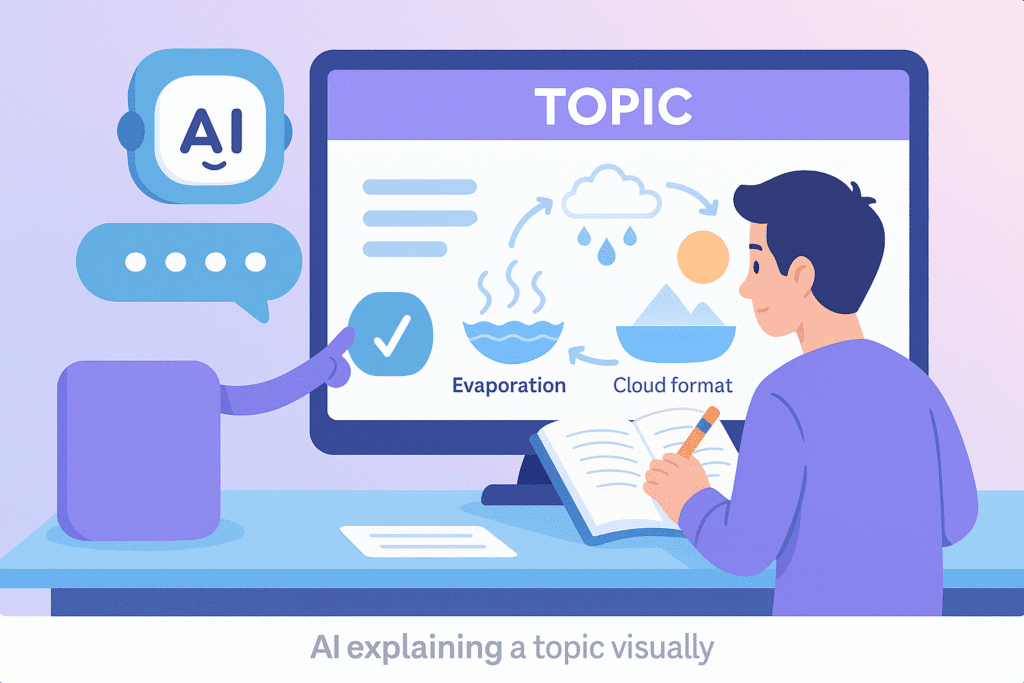
1) Ask AI to Explain Your Topic Simply
AI can take a complicated topic and explain it step by step.
Prompt:
“Explain this chapter in simple language with bullet points: [paste text]”
2) Convert Long Notes or Chapters Into Summary Notes
Students waste time summarizing. AI does it instantly.
Prompt:
“Summarize the following text into simple study notes suitable for revision.”
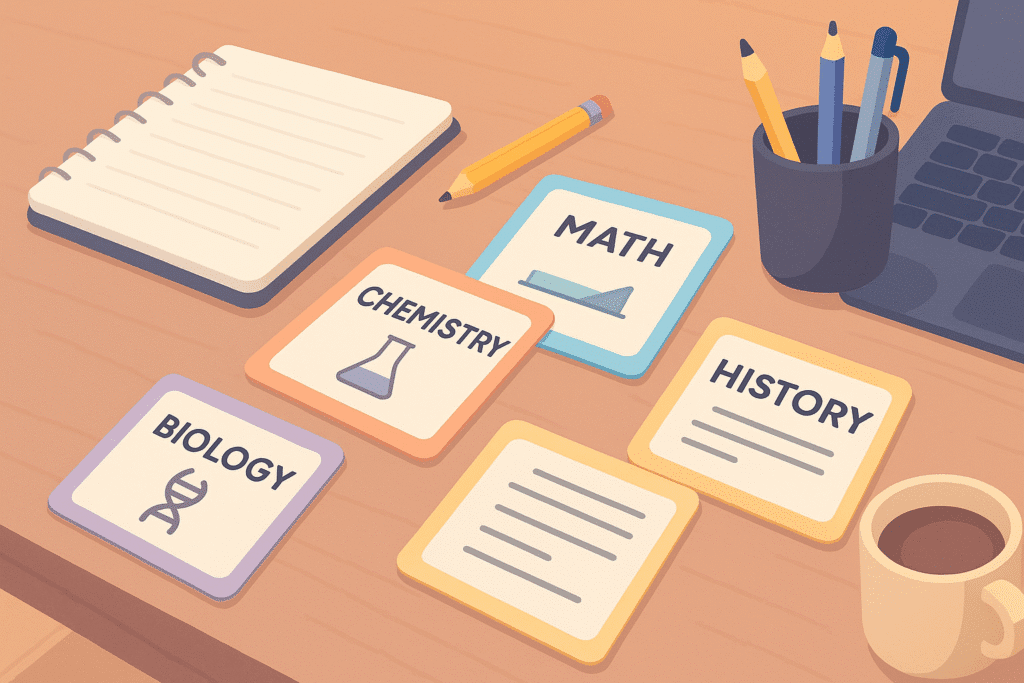
3) Use AI to Make Flashcards for Revision
Flashcards help with memory retention.
Prompt:
“Create 20 flashcards from this chapter. Format: Q on top, A on bottom.”
4) Use AI to Generate Practice Questions
AI can create:
- MCQs
- True/False
- Short answers
- Essay questions
Prompt:
“Generate 15 MCQs with answers from this topic.”
5) Use AI to Check Your Understanding
You can ask AI to quiz you.
Prompt:
“Ask me questions from this chapter and wait for my answers. Evaluate each one.”
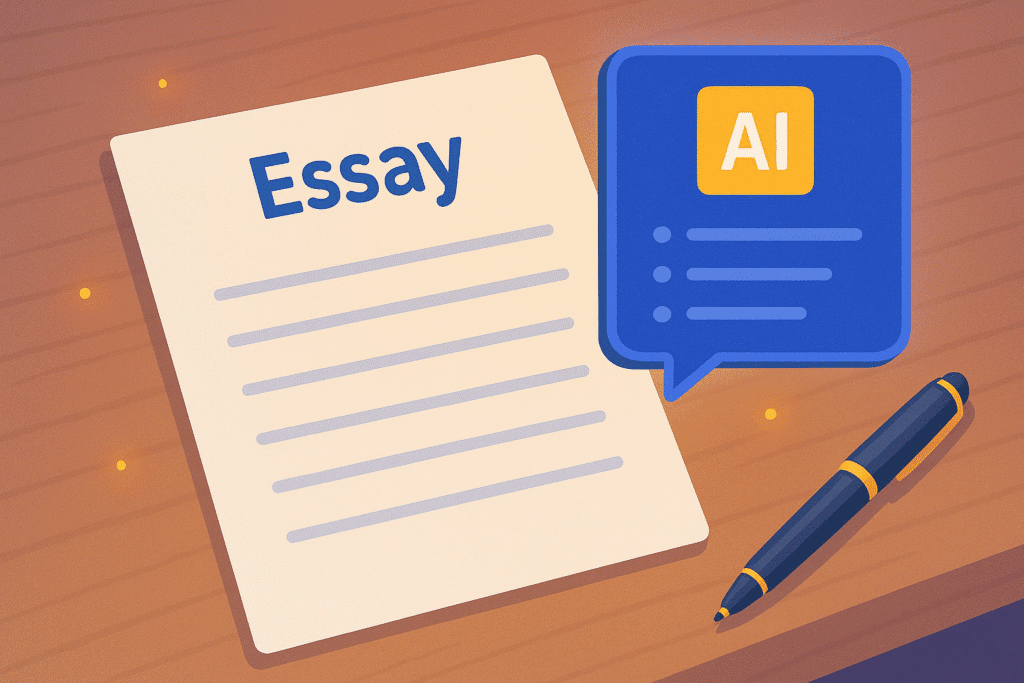
6) Use AI for Essay Writing Assistance
Not to cheat — but to help with structure.
Prompt:
“Give me an essay outline for ‘Impact of Technology on Education’ with intro, body, and conclusion.”
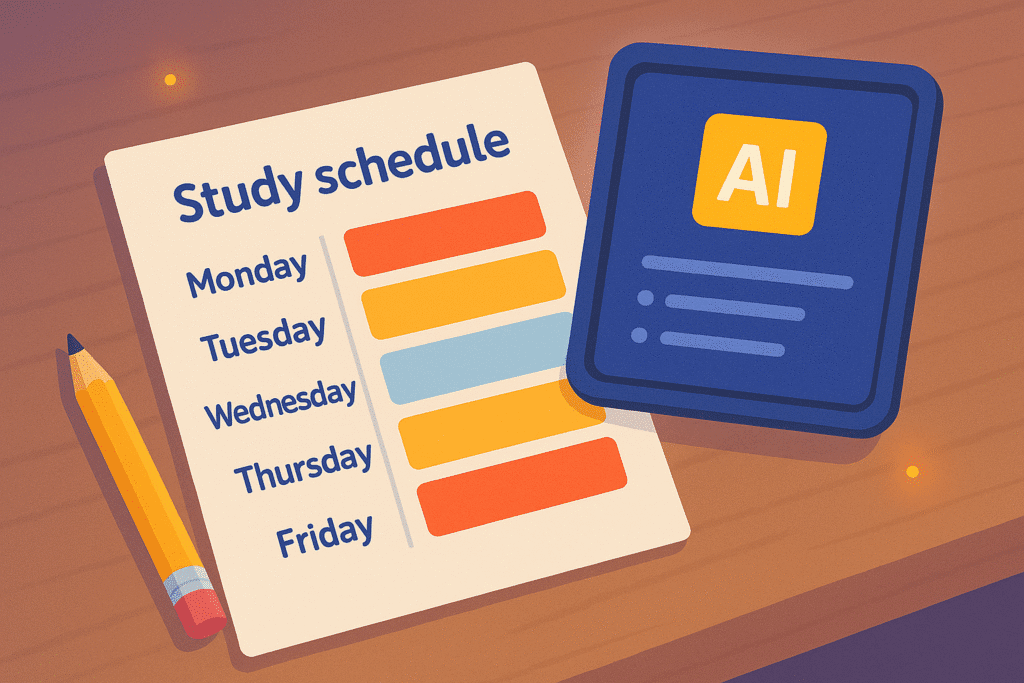
7) Use AI to Plan Study Schedules
AI helps organize your time.
Prompt:
“Create a 7-day study schedule for me. I study 2 hours daily. My subjects are ___.”
Best AI Tools for Students (Real Use Cases)
These are currently the top-performing AI tools students use globally.
1. ChatGPT — Your Smart Tutor
Best for:
- Explanations
- Study guides
- Writing help
- Brainstorming
- Revision
Why students love it:
✔ Explains like a teacher
✔ Simplifies difficult concepts
✔ Helps with assignments
✔ Creates notes, quizzes, and examples
For full ChatGPT basics, see our detailed walkthrough: How to Use ChatGPT for Beginners.
2. Perplexity — For Research & Verified Answers
Perplexity provides:
- Cited information
- Up-to-date facts
- Better research accuracy
Students use it for:
✔ Projects
✔ Reports
✔ Fact-checking
✔ Complex exam topics
3. Notion AI — For Notes & Organization
Use Notion AI to:
- Create study notebooks
- Track progress
- Summarize lessons
- Build timelines
Perfect for messy or overwhelmed students.
4. Canva — For Projects & Presentations
Canva helps with:
- School projects
- PowerPoints
- Infographics
- Posters
- Study diagrams
Students who aren’t creative visually can still make professional-quality work.
5. QuillBot — For Rewriting & Improving Writing
Helps rewrite:
- Assignments
- Essays
- Notes
It improves grammar and clarity — great for students learning English.
6. Grammarly — For Grammar & Writing Clarity
Checks:
- Grammar
- Tone
- Academic writing style
Most students use this daily.
7. Khan Academy’s AI — Tutor-Style Guidance
Khanmigo helps students:
- Solve math step by step
- Understand science concepts
- Practice coding
It acts like a human tutor.
How AI Helps Students Learn Faster (Backed by Cognitive Science)
AI supports the three main pillars of fast learning:
1. Understanding
AI breaks concepts into small, simple parts.
2. Memorizing
AI creates flashcards, questions, and spaced repetition schedules.
3. Applying
AI gives practice questions, real examples, and problem-solving exercises.
This study cycle increases exam performance and reduces stress dramatically.
AI Study Techniques Students Should Use Daily
These are the highest-performing study tactics using AI.
✔ Technique 1: “Explain Like I’m 12” Method
AI simplifies any concept into easy language.
✔ Technique 2: Summary + Quiz Combo
First summarize → then generate quiz questions.
This doubles retention.
✔ Technique 3: Flashcards Every Day
Use AI flashcards for:
- Science
- History
- Math formulas
- Definitions
- Vocabulary
✔ Technique 4: AI Memory Path Revision
Ask AI to create a revision path based on your weaknesses.
✔ Technique 5: AI Mind Mapping
Ask AI to convert chapters into visual maps.
✔ Technique 6: AI Productivity Timeslots
AI helps divide your study day into efficient time blocks.
✔ Technique 7: Exam Simulation
Tell AI to generate a full mock exam.
We also explained how creators use these tools in our guide: AI Tools for Creators — helpful if you want to use AI for both study and creative projects.
How to Use AI Ethically (Very Important)
AI should help you learn, not replace your learning.
Use AI for:
- Understanding
- Note-making
- Improving writing
- Organizing
- Practice questions
Avoid using AI for:
- Copying assignments
- Cheating
- Submitting AI-written essays
AI is a tool — your brain still needs to do the learning.
Common Mistakes Students Make When Using AI
❌ Asking extremely short questions
❌ Expecting perfect answers
❌ Using AI to avoid learning
❌ Copy-pasting without thinking
❌ Not reviewing AI-generated content
❌ Depending too much on one tool
Fix by:
✔ Asking better prompts
✔ Learning the concept
✔ Using multiple tools
✔ Keeping academic integrity
AI vs Traditional Study — Which Is Better?
AI doesn’t replace traditional study; it enhances it.
| Traditional | AI |
|---|---|
| Slow | Fast |
| Manual | Automated |
| Confusing | Clear |
| Tiring | Easy |
| Lonely | Interactive |
Use both together for maximum exam performance.
Daily AI Study Routine (Simple & Powerful)
15–30 minutes daily:
- 5 mins → Explanation
- 5 mins → Summary
- 5 mins → Quiz practice
- 10 mins → Flashcards
Students who follow this routine perform better in:
- Tests
- Memory
- Attention
- Confidence
Conclusion
AI is the ultimate study companion for students in 2025.
It helps you understand better, remember more, organize smarter, and study faster.
Students who use AI effectively become:
- More confident
- More efficient
- Better prepared
- Less stressed
AI won’t replace your effort — but it will multiply your results.
Use AI wisely, practice daily, and you will see real improvement in your learning.