7 AI Study Techniques to Learn Faster With AI (Beginner Guide)
AI Study Techniques are becoming essential for students who want to learn faster, stay organized, and understand difficult topics easily. In this guide, you’ll learn how AI can help you study smarter—not harder—using practical tools and simple strategies designed for every type of student.
This guide will teach you exactly how to use AI to study smarter, faster, and with less stress.
Everything is explained in simple language, step-by-step.
Let’s begin.
What You Will Learn in This Guide
By the end of this article, you will know:
- How AI helps students understand lessons faster
- Study techniques enhanced by AI
- The best AI tools for learning
- How to turn long chapters into simple notes
- How to create flashcards using AI
- How AI can help you practice exam questions
- How to build a weekly study plan with AI
- How to avoid cheating and use AI the correct way
- Common mistakes students make with AI
- How to use AI daily to improve memory and focus
This is the ultimate beginner-friendly guide for school and college students.
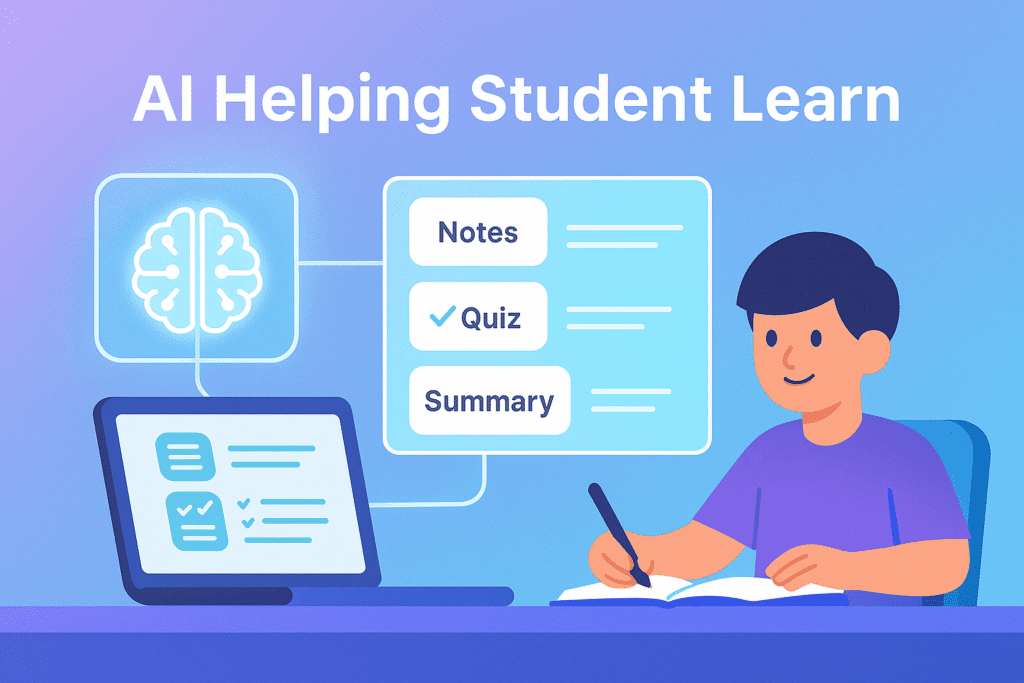
⭐ How AI Helps Students Learn Faster
AI is not magic.
It simply makes learning easier and faster by solving the biggest study problems:
● Understanding Difficult Concepts
AI can break down hard topics into simple explanations.
● Summarizing Long Lessons
AI reduces long chapters into short bullet notes.
● Generating Practice Questions
AI can make quizzes, MCQs, true/false, and exam-style questions.
● Organizing Study Plans
AI can create daily or weekly study schedules based on your exams.
● Improving Memory
AI can convert lessons into flashcards for active recall.
● Saving Time
Instead of searching the internet for hours, AI gives clear, direct answers instantly.
AI gives you a tutor + planner + note-maker + quiz generator all in one.
If you’re new to AI, start with my How to Use ChatGPT (Beginner Guide) — it explains everything in simple steps.
📘 WHAT IS AI? (Simple Explanation for Students)
AI means computers that can think and learn like humans.
You already use AI daily:
- Google search suggestions
- YouTube recommendations
- Instagram filters
- Maps showing fastest route
- Voice assistants like Siri & Alexa
- ChatGPT answers
So when you use AI for studying, you are simply using technology that already exists to help you learn better.
⚡ Why AI Learning Is Better Than Traditional Studying
Here’s the difference:
❌ Old Method
- Read long text
- Try to understand alone
- Get bored
- Forget quickly
- No personalized help
✔️ AI Study Method
- Short explanations
- Examples and diagrams
- Personalized answers
- Instant feedback
- Step-by-step understanding
- Repetition using flashcards
- Less frustration
- Faster memory
With AI, studying becomes:
- Easier
- Faster
- More fun
- Less stressful
🔍 Best AI Tools Students Should Use (Beginner Friendly)
✔️ ChatGPT / Claude
For explanations, notes, summaries, questions.
✔️ Perplexity
For research and fact-checking.
✔️ Notion AI
For making notes and organizing lessons.
✔️ Canva
For creating mind maps, posters, and visual study aids.
✔️ Quizlet
For flashcards and practice questions.
✔️ Google Gemini
For quick explanations linked to real-time search.
✔️ Otter.ai
For converting class lectures into notes.
You don’t need all these tools.
Start with ChatGPT + Perplexity + Notion AI.
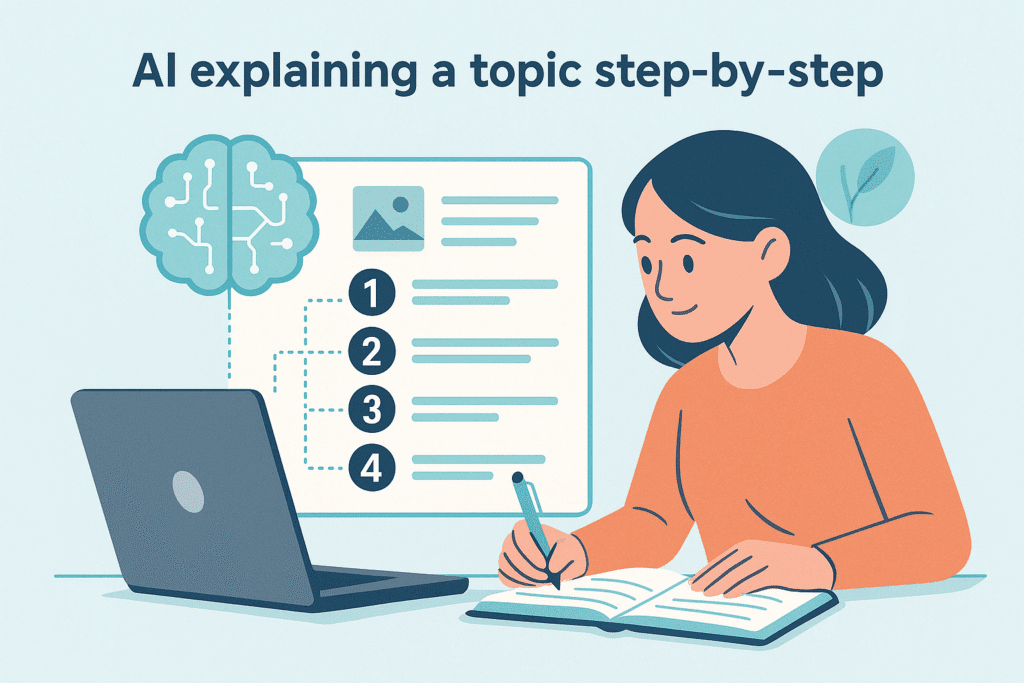
🧠 AI Study Technique #1: Simplifying Hard Concepts
If you don’t understand a topic, AI can explain it in:
- Simple language
- Kid-friendly language
- Step-by-step process
- Real-life examples
- Visual analogies
- Diagrams
Beginner Prompt:
Explain photosynthesis in very simple words with examples.
Step-by-step Prompt:
Teach me photosynthesis step by step like a teacher.
Analogy Prompt:
Explain photosynthesis using a food-making analogy.
What happens:
You get instant clarity in multiple styles.
📝 AI Study Technique #2: Create Perfect Notes From Any Chapter
Copy your lesson, textbook page, or PDF into AI.
Ask AI to make:
- Bullet notes
- Short notes
- One-page summary
- Key points
- Important formulas
- Important dates
- Revision notes
Example Prompt:
Summarize Chapter 3 into bullet notes only. Keep them simple and exam-focused.
Advanced Prompt:
Give me a 1-page summary + 10 key points + a definition list.
This saves HOURS of rewriting notes.
You can also check my full list of AI Tools for Students to pick the best apps for studying and revision.
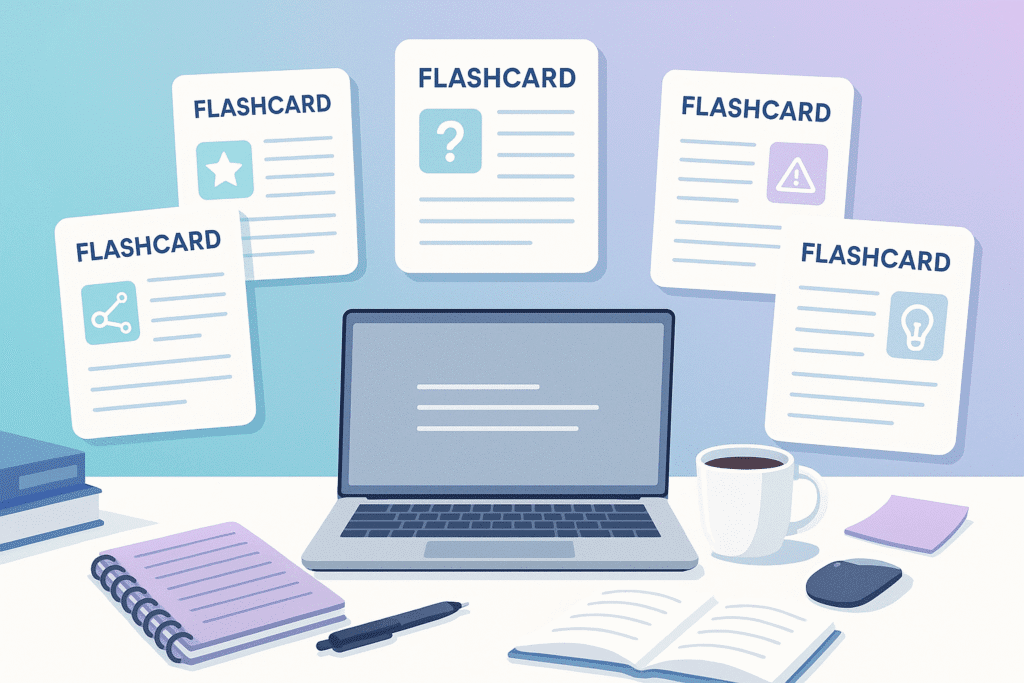
🧩 AI Study Technique #3: Generate Flashcards
Flashcards improve memory through Active Recall and Spaced Repetition.
Ask AI:
Convert this chapter into 50 flashcards: question on front, answer on back.
You can paste these into:
- Quizlet
- Anki
- Notion
This technique is PROVEN to improve memory.
Many of the tools I mentioned in AI Tools for Creators also help students create visual notes, explain topics, and prepare projects quickly.
🎯 AI Study Technique #4: Ask AI for Past Paper–Style Questions
AI can generate:
- Multiple-choice questions
- True/false
- Fill-in-the-blanks
- Short answers
- Long answers
- Exam-style questions
Prompt:
Create 20 exam-style questions from Topic X. Include answers.
This helps you practice exactly what examiners ask.
🔍 AI Study Technique #5: Turn a Long Lesson Into a Mind Map
Mind maps improve clarity and memory.
Ask AI:
Convert this chapter into a mind map in text format.
Then create the visual mind map in Canva.
🗓️ AI Study Technique #6: Create Personalized Study Plans
AI can plan your entire week.
Prompt:
Create a 7-day study timetable for me. I study 2 hours per day. Subjects: Math, English, Science. Exams in 3 weeks.
AI will give:
- Day-by-day plan
- Time blocks
- Revision slots
Students love this because it removes confusion.
📘 AI Study Technique #7: Convert Confusing Language into Simple English
Paste any confusing paragraph and ask:
Rewrite this in simple English suitable for a 12-year-old.
Perfect for difficult textbooks.
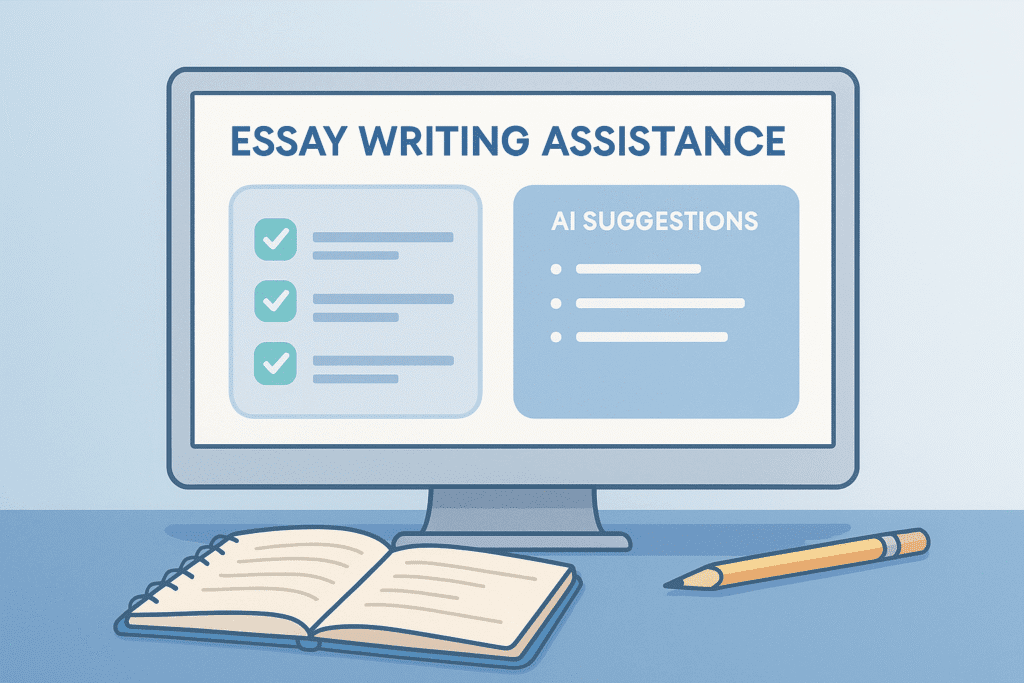
🧠 AI Study Technique #8: Improve Essay Writing
AI can help with:
- Outline
- Structure
- Grammar
- Vocabulary
- Examples
- Points
Not to cheat — but to improve.
Ask:
Help me write an essay on Global Warming. Give outline, intro, 3 body points, and conclusion.
Then YOU rewrite it in your own voice.
🎓 AI Study Technique #9: Learn Any Subject Faster With Scaffolding
Scaffolding means breaking learning into levels:
- Very simple
- Simple
- Medium
- Hard
- Full expert explanation
Prompt:
Explain the Water Cycle in 5 levels (simple → expert).
This builds understanding step-by-step.
🔄 AI Study Technique #10: Practice Language Learning
Ask AI to:
- Correct your grammar
- Write dialogues
- Create practice exercises
- Help with vocabulary
- Translate sentences
Prompt:
Correct this sentence and explain the grammar: “He go to school everyday.”
🎯 AI Study Technique #11: Solve Math Problems Step-by-Step
AI tools like ChatGPT, Gemini, and Photomath can:
- Solve equations
- Explain steps
- Draw diagrams
- Show working
- Give practice problems
Prompt:
Solve this step-by-step and explain each step like a teacher: 2x + 5 = 15.
🎧 AI Study Technique #12: Turn Any Lesson Into an Audio Explanation
If you prefer listening:
Prompt:
Convert this chapter into an audio explanation in simple language.
Great for multitasking or revision.
📅 AI Study Technique #13: Set Daily Practice Tasks
Example:
Give me a 15-minute study routine for today with 3 mini-tasks.
This builds daily discipline.
📘 AI Study Technique #14: Improve Focus With AI Timers
AI can make:
- Pomodoro study schedules
- Break timers
- Motivation messages
Prompt:
Create a 45–10–45 study cycle for me with instructions.
🧠 How to Avoid AI Cheating and Use it Properly
Correct way:
- Learn
- Simplify
- Practice
- Organize
- Understand
Wrong way:
- Copy
- Paste
- Submit without thinking
Your goal is learning — AI is for support, not shortcuts.
⚠️ Common Mistakes Students Make With AI
● Using AI as a shortcut instead of a teacher
● Copying answers
● Not reviewing their own notes
● Asking unclear questions
● Using too many tools
● Relying only on AI summaries
Avoid these and you’ll learn much faster.
🎓 Daily AI Study Routine (15–30 Minutes)
- 5 mins → Summarize a topic
- 5 mins → Generate flashcards
- 5 mins → Practice 5 questions
- 5 mins → Revise one previous topic
- 10 mins → Short quiz or notes rewrite
Consistency > intelligence.
🧠 Memory Booster Technique Using AI
Use AI to generate:
- Mnemonics
- Rhymes
- Acronyms
- Stories
Prompt:
Create a funny story so I remember the 5 layers of the atmosphere.
This boosts long-term memory.