Top 7 AI Tools for Creators to Make Content Faster (Beginner Guide)
AI tools for creators make content creation faster, easier, and more consistent — even if you’re a beginner. AI is not just for coders — creators are using it every day to:
• Edit videos faster
• Make better thumbnails
• Repurpose content
• Write scripts
• Create ideas instantly
• Design social posts
✨ Why AI Makes Content Creation Faster
Creating content manually can take hours — from thinking of ideas to editing footage.
AI tools remove the slow parts:
- No blank-page anxiety
- Faster script drafts
- Instant caption generation
- Automatic clip detection
- Easier editing and thumbnail design
Instead of spending time on repetitive work, you spend time on creativity and storytelling, which is what actually grows your audience.
🎥 The Rise of AI-Powered Creators
One reason AI is changing content creation is speed.
Before, a single video could take days. Now, new creators can:
- Build ideas in minutes
- Finish scripts in under an hour
- Edit videos faster with auto-cut tools
- Create thumbnails without a designer
- Repurpose one clip across multiple platforms
This gives new creators a fair chance to compete — even without a big team or equipment.
The future belongs to creators who create consistently, and AI makes consistency realistic.
✍️ How to Train AI to Match Your Voice
AI becomes more helpful when it understands your style.
Here’s a simple method:
- Copy a script or description you wrote
- Paste it into ChatGPT
- Say:
“Analyze my tone and writing style and save it as my creator writing profile.” - Then ask:
“Now write a new script in the same tone and pacing.”
This makes AI sound like you, not generic.
Pro tip: Save this style prompt in a notes app for reuse.
This guide shows the best beginner-friendly AI tools for creators and how to use them step-by-step.
No complex software. No editing background needed.
🎓 New to AI? Start here first → Types of AI & How AI Works (Simple Guide)
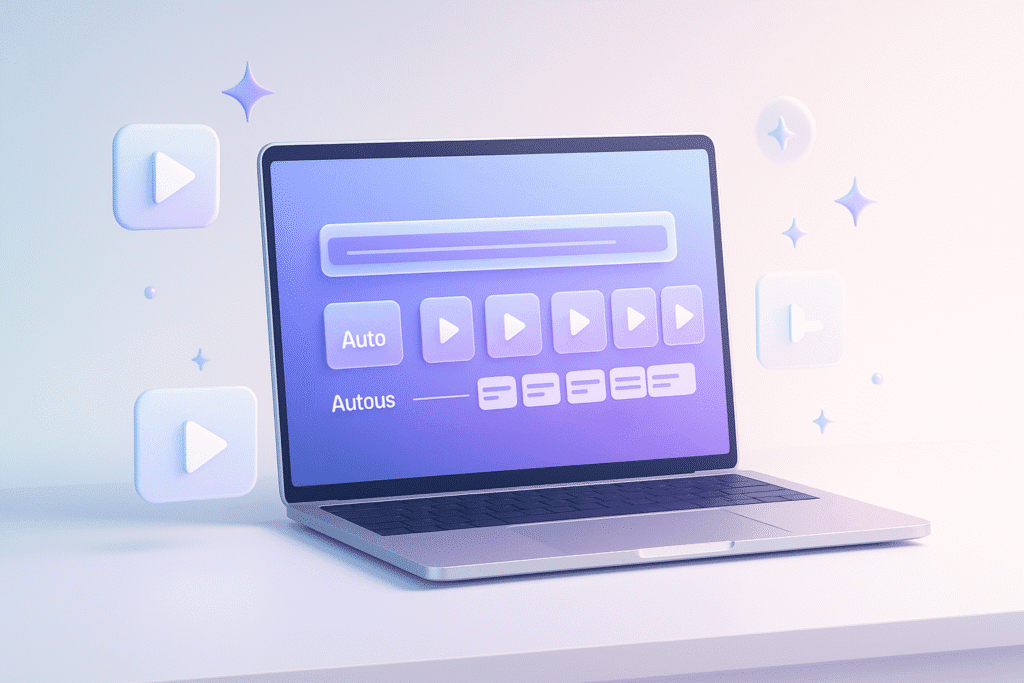
🎥 1. OpusClip / Vidyo.ai — Turn Videos into Shorts
What they do
Automatically create short clips from your long video.
Why creators love it
✅ Instant short-form content
✅ Auto captions
✅ AI picks best moments
✅ Saves hours
Beginner task
Upload a YouTube or phone video → click “Make Shorts”.
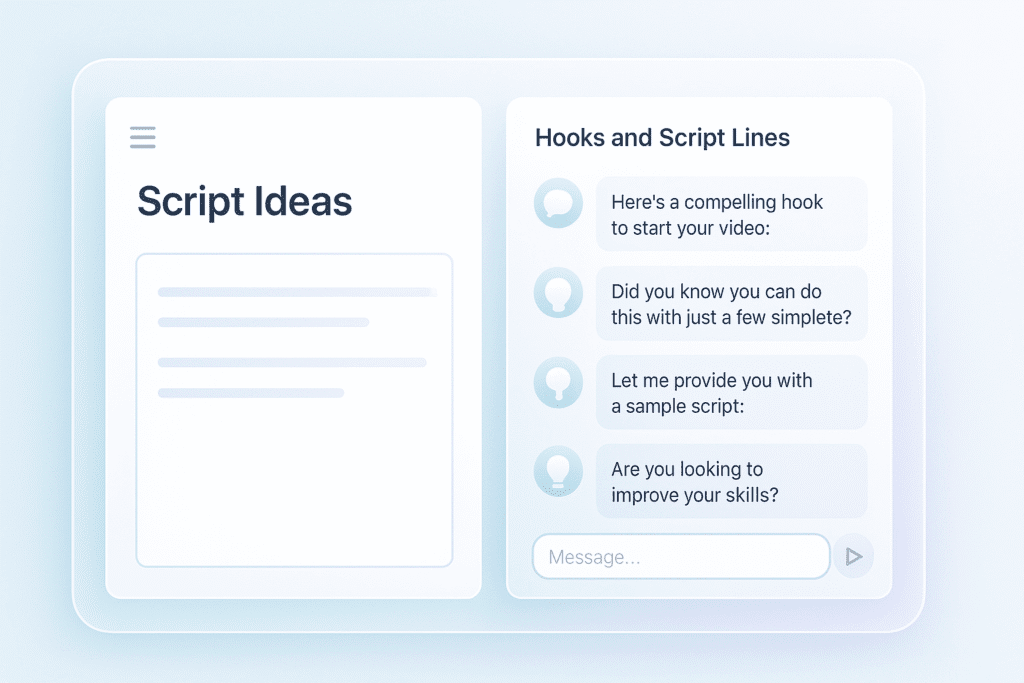
✍️ 2. ChatGPT / Claude — Script & Idea Generator
What they do
• Script writing
• Title ideas
• Brainstorm hooks
• YouTube descriptions & SEO
💡 Best Ways to Use AI for Content Ideas
Here are simple ways creators use ChatGPT daily:
- Turn a YouTube idea into 5 short video ideas
- Rewrite your script in a more exciting tone
- Create hooks for Reels & TikTok
- Generate video descriptions and tags
- Expand bullet points into full scripts
- Turn yesterday’s video into tomorrow’s blog or carousel post
⚡ Consistency beats perfection — AI helps you keep posting even when you’re busy.
Beginner task
Try this prompt:
Give me 5 short video hooks about learning AI. Keep them punchy and viral-style.
🧠 Need step-by-step ChatGPT help? → How to Use ChatGPT for Beginners
🎨 3. Canva — Thumbnails & Social Graphics
What it does
• Thumbnails
• Social posts
• Banners
• Carousels
• Fonts + templates
🎯 Tips for High-Performing Thumbnails
A good thumbnail decides whether people click or scroll.
Use this formula:
- Big bold text (3–5 words max)
- Clear face OR clear object (not both)
- High contrast background
- One emotion or one idea
- Bright outline/highlight glow
Avoid: too many colors, tiny text, messy layouts.
Small improvement in thumbnail = big improvement in views.
🖼️ Batch Create Content Assets
Instead of designing each post one-by-one, try batching assets:
- Make 3 thumbnail versions
- Create 5 quote cards at once
- Design channel art & banners together
- Save template styles for future videos
Batching = higher quality + faster workflow.
Creators who design once and reuse templates grow faster with less stress.
Beginner task
Search “YouTube Thumbnail” template → add your text → export.
💡 Want better prompt formulas for creators? Try → Beginner AI Prompt Patterns
🧠 4. Leonardo / Midjourney — Quick Visuals & Characters
What they do
Create:
• Character art
• Backgrounds
• YouTube illustrations
• Thumbnail assets
🎭 Create Character Styles That Repeat
If you’re making shorts or tutorials, maintaining consistent characters or visuals helps build a brand identity.
Ask AI to generate:
- A mascot character style
- A consistent color theme
- Matching icons and symbols
- Reusable scenes / assets
Example prompt:
“Generate 5 consistent characters in the same style — simple, friendly, tech-education vibe, soft gradients.”
Use them for thumbnails, posts, tutorials, and your blog.
Consistency = audience recognition.
Beginner task
Prompt:
Minimal clean tech illustration of creative workspace with camera, laptop, and coffee cup, calm blue tones.
🪄 5. Runway — Video Editing & AI Effects
What it does
• Remove backgrounds
• Add effects
• Generate clips
• Edit scenes easily
Beginner task
Upload a clip → use Remove Background → add text + music.
🎧 6. ElevenLabs — Voice AI
What it does
• Voiceovers
• Narration
• Multilingual audio
• Repurpose scripts to voice
Beginner task
Paste a script → choose voice → export MP3.
🧾 7. Notion AI — Planning & Content Calendar
What it does
• Plan content
• Track scripts
• Store ideas
• Build posting schedule
🗂️ Build Your Content Idea Bank
Every creator needs a place to store idea sparks.
Use Notion or a notes app to capture:
- Video hooks
- Series ideas
- Quote ideas
- Viewer questions
- Behind-the-scenes stories
- TikTok/Reel hooks you liked
Without an idea bank, you rely on motivation.
With it, you rely on a repeatable system.
Beginner task
Ask Notion AI:
Create a weekly posting plan for YouTube + Instagram Reels.
✅ Beginner AI Creator Workflow
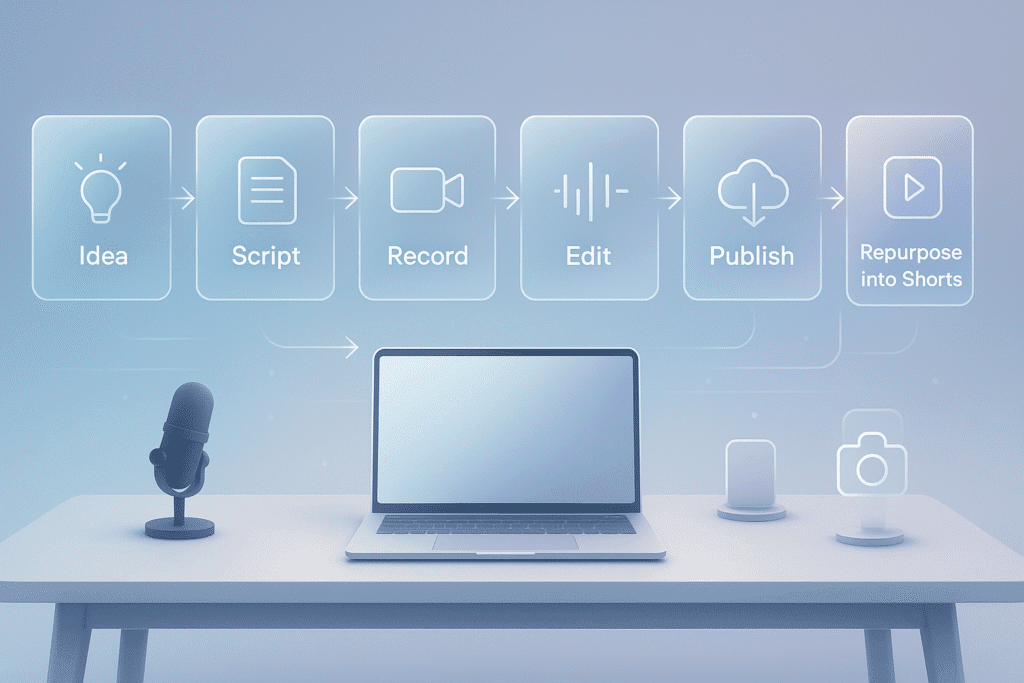
| Step | Tool |
|---|---|
| Research ideas | ChatGPT / Claude |
| Write script | ChatGPT / Notion AI |
| Record or use stock | Phone or stock library |
| Edit | CapCut / Runway |
| Make shorts | OpusClip / Vidyo.ai |
| Thumbnail | Canva |
| Publish & track | Notion |
🧠 Content Strategy for Beginners
If you’re starting, use this simple plan:
- 1 long video per week
- Turn it into 5–15 shorts
- Post shorts daily
- Reuse scripts for Instagram & TikTok
- Save ideas in Notion
This builds momentum without burnout.
✅ Next: Explore more creator tools → Best AI Tools for Beginners
🎒 Are you a student creator? → AI Tools for Students
✅ Mistakes Beginners Make
❌ Using too many tools at once
❌ Thinking AI replaces creativity
❌ Not testing hooks & thumbnails
✅ Start small & improve weekly
📌 Try This 3-Day Creator Challenge
| Day | Task |
|---|---|
| Day 1 | Idea + Script using ChatGPT |
| Day 2 | Film + Edit + Thumbnail |
| Day 3 | Turn into 3 Shorts with OpusClip |
Stick to simple and consistent, not perfect.
📈 Posting Strategy for Growth
If you’re new, use this structure:
Daily:
- Proof-of-work clip (your learning progress)
- Short tip video (10–30 seconds)
Weekly:
- 1 tutorial
- 1 story or lesson
- 1 value thread or carousel post
Monthly:
- Review wins + mistakes
- Refresh templates + scripts
Creators who show their journey grow faster — people follow progress.
❓ Quick FAQs for New AI Creators
Do I need to be tech-savvy?
No — all tools here are beginner-friendly.
Do I need expensive paid plans?
You can start free. Upgrade only when consistent.
Will AI replace creators?
No — AI helps you edit, plan, and write faster, but your creativity and style is what makes content unique.
How long until I improve?
Most beginners see big improvement in 30 days of consistent practice.
✅ Continue Learning
Start here → Best AI Tools for Beginners
Next → How to Use ChatGPT (Beginner Guide)
Study smart → AI Tools for Students